

Well the problem begings today
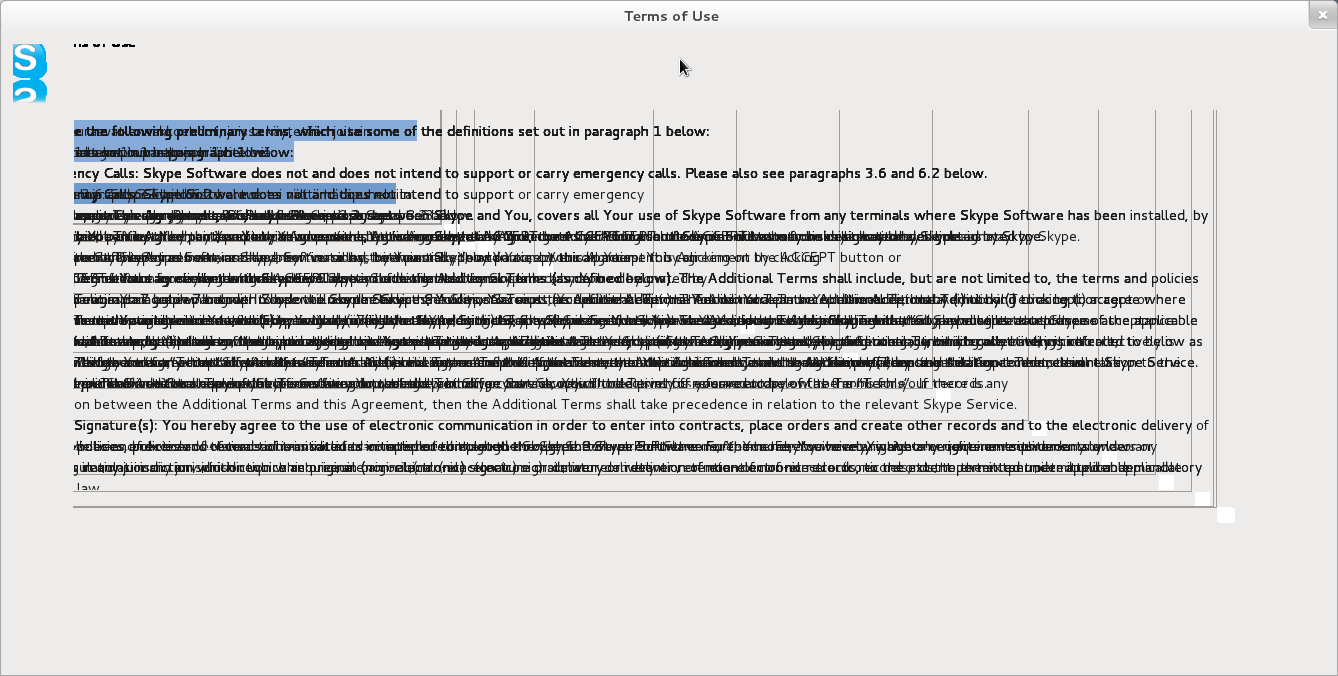
my skype 2.x worked pretty well till this day stated to show spoiled UI.
I installed 4.0.x it shows the same rubbish:
I upgraded to latest kernel and so, did not help.
However I noticed that other programs using Qt graphical toolkit also stopped working (for example GoldenDict)
I beleive that problem in some config files of Qt which accumulated some wrong information about fonts and my screen resolution.
What may be fixed?
---------- Post added at 01:15 PM ---------- Previous post was at 12:15 PM ----------
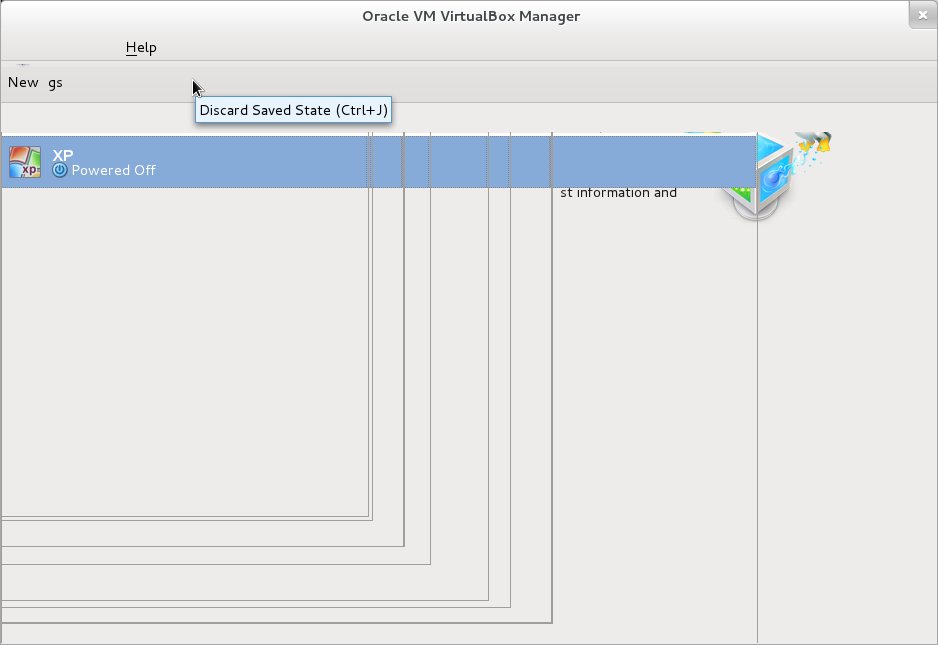
The same happens wiht GUI of VirtualBox!
help! What is going on?
have already tried deleting Trolltech.conf
from everywhere...
And I am noticed that the problem appears undet different user-ids -- so the problem is not in local configuration
---------- Post added at 02:17 PM ---------- Previous post was at 01:15 PM ----------
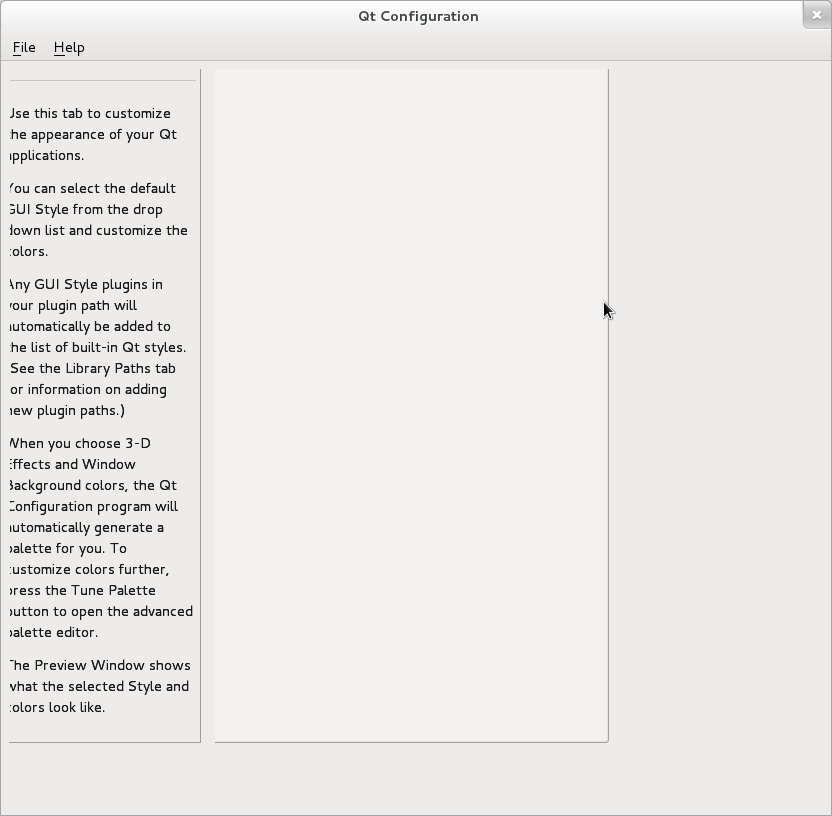
tried to run qtconfig-qt4, result is the same:
Results 1 to 5 of 5
-
9th August 2012, 12:17 PM #1
 Registered User
- Join Date
- Sep 2010
- Posts
- 19
- Mentioned
- 0 Post(s)
- Tagged
- 0 Thread(s)
Skype UI going mad?! How to fix Qt?
-
9th August 2012, 02:21 PM #2stevea Guest
Re: Skype UI going mad?! How to fix Qt?
Skype 4.0.0.7 works here,
That looks like maybe a localization issue, but qt is not my forte'.
Skype->Options->General is worth a look, for language and layout options.
You might want to remove the skype user config directory (~/.config/Skype/) if you had an older veriosn installed.
Hate some closed source today !!
-
9th August 2012, 09:29 PM #3
Registered User
- Join Date
- Sep 2010
- Posts
- 19
- Mentioned
- 0 Post(s)
- Tagged
- 0 Thread(s)
Re: Skype UI going mad?! How to fix Qt?
Thank you, but not it is not the case... All Qt dependent applications got mad.
Deleted ~/.Skype and all other stuff related Qt
UI is so bad that I even cannot go thru menus and dialogs... (even accepting User Agreement in skype) Pretty hell
Luckily I have CentOS on the second machine
---------- Post added at 11:29 PM ---------- Previous post was at 04:29 PM ----------
OMG!
It disappeared once I got home.
Absolutely unexplainable...
However I suspect one piece of software that may interfere into Qt configuration, it is IBM Integration Desingner -- I suspect that they mixed SWT, XUL and Qt usage in one Eclipse-based product... I hope I wrong since SWT + XUL is absolute hell... and adding here Qt even worse... But how process running under non-root user may spoil configuration of Qt for all users :?
-
10th August 2012, 12:40 AM #4stevea Guest
Re: Skype UI going mad?! How to fix Qt?
So you had these clues, you didn't bother to mention them,
http://forums.fedoraforum.org/showthread.php?t=282819
The answer is that skype v4 mostly works out of the box with Fedora QT and you buggered it up somehow.
-
10th August 2012, 04:12 PM #5
Registered User
- Join Date
- Sep 2010
- Posts
- 19
- Mentioned
- 0 Post(s)
- Tagged
- 0 Thread(s)
Re: Skype UI going mad?! How to fix Qt?
Alas, I was wrong suspecting IBM software in breaking Qt. Today I started machine and got the same problem... Also I tried to run from console.
qtconfig-qt4
google search by QNativeImage: Unable to attach to shared memory segment.Code:QNativeImage: Unable to attach to shared memory segment. X Error: BadDrawable (invalid Pixmap or Window parameter) 9 Major opcode: 62 (X_CopyArea) Resource id: 0x0 X Error: BadDrawable (invalid Pixmap or Window parameter) 9 Major opcode: 62 (X_CopyArea) Resource id: 0x0 X Error: BadDrawable (invalid Pixmap or Window parameter) 9 Major opcode: 62 (X_CopyArea) Resource id: 0x0 X Error: BadDrawable (invalid Pixmap or Window parameter) 9 Major opcode: 62 (X_CopyArea) Resource id: 0x0 QNativeImage: Unable to attach to shared memory segment. X Error: BadDrawable (invalid Pixmap or Window parameter) 9 Major opcode: 62 (X_CopyArea) Resource id: 0x0 X Error: BadDrawable (invalid Pixmap or Window parameter) 9 Major opcode: 62 (X_CopyArea) Resource id: 0x0
result in https://bugreports.qt-project.org/br...REATORBUG-7315 and https://bugreports.qt-project.org/browse/QTBUG-7702
I understand little from these descriptions... if not nothing...
---------- Post added at 11:49 AM ---------- Previous post was at 11:18 AM ----------
OMG!!! OMG!!!
Eureka!!!
I installed IBM DB2 recently on my machine
I did changed /etc/sysctl.conf
now I found strong correlation between running DB2 instance and Qt.Code:kernel.shmmni=4096 kernel.shmmax=4294967296 kernel.shmall=8388608 #kernel.sem=<SEMMS><SEMMNS><SEMOPM><SEMMNI> kernel.sem=250 256000 32 4096 kernel.msgmni=16384 kernel.msgmax=65536 kernel.msgmnb=65536
If I boot and did not start DB2 instance, qtconfig-gt4 (Qt based application itself) starts with that strange "QNativeImage: Unable to attach to shared memory segment. "
Once I started DB2 instace (using db2start -- I guess at this point DB2 starts consuming memory and resources) and then run qtconfig-qt4 -- it runs successfully, skype runs, IBM Lotus Notes runs, GoldenDict runs... i.e. eventually all software that is Qt-based. I guessed that by providing these settings I let more sharred memory for all... How may it influence Qt so badly?
I have 8GB 32-bit PAE, could anybody, please, critisize my /etc/sysctl.conf settings since the root of problems it here?
---------- Post added at 06:12 PM ---------- Previous post was at 11:49 AM ----------
so finally end this problem with
Code:kernel.shmmax=2147483648

probably specifiing more for 32-bit PAE system is nonsense, however other applications were doing well.


 Reply With Quote
 Originally Posted by stevea
Similar Threads
-
Skype
By 0bn0xi0us in forum Using FedoraReplies: 1Last Post: 13th September 2011, 07:24 AM -
SKype on 64 bit
By mustang45 in forum Using FedoraReplies: 8Last Post: 31st March 2011, 07:26 AM -
qt4-x11 >= 4.2 is needed by skype-2.1.0.47-fc10.i586 (From Installation of SKYPE)RHEL
By miaomiaoga in forum Using FedoraReplies: 2Last Post: 8th June 2010, 01:06 PM -
Skype and Program like Skype
By tokegee in forum Using FedoraReplies: 3Last Post: 4th June 2007, 07:17 PM -
i want to use Skype
By onimsha in forum HardwareReplies: 10Last Post: 16th August 2006, 05:52 PM

